How to Add Friends in PUBG, Add Friends Best Guide
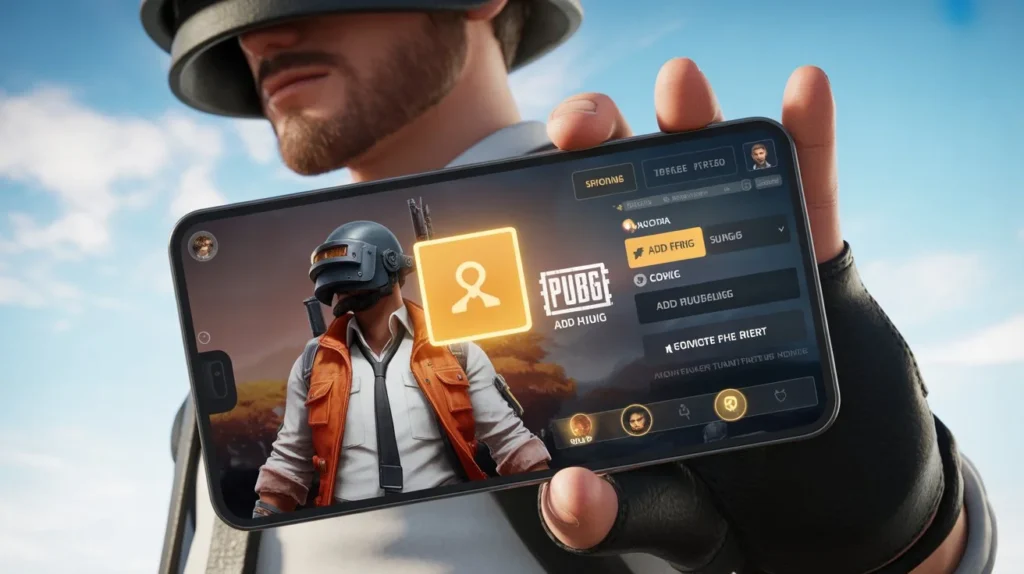
How to Add Friends in PUBG, Add Friends Best Guide 2025…PlayerUnknown’s Battlegrounds (PUBG) is a wildly popular battle royale game where players compete to be the last one standing. While solo play is an option, most players prefer teaming up with friends to conquer the battleground. Adding friends in PUBG is important for teamwork, and this guide will show you how to do it.
How To Add Friends in PUBG Mobile:

Adding friends in PUBG Mobile is a straightforward process.
- Launch the game and go to the top left corner.
- Click on the Friends section below the profile icon.
- Look for the Bell icon at the top to view friend requests.
- Use the Plus icon next to the Bell to search for friends by name or User ID and send a request.
Adding Friends in PUBG Mobile (Alternative Method).
- In the game lobby, expand your friends list on the left.
- Find the Add Friends icon in the upper right corner.
- Enter your friend’s Nickname or User UID and click Send.
- Once they accept, you can team up for exciting matches.
Adding Friends in PUBG PC.
- Open the game and select the + icon in the bottom right corner.
- A pop-up menu will display your Steam friends; click the + icon to invite them.
- If your friend isn’t on Steam, use their PUBG in-game name to search and invite them.
Why Play PUBG With Friends?

Playing with friends enhances the PUBG experience, whether in solo or squad mode. It’s more enjoyable and can strengthen friendships. PUBG also provides a platform for meeting new people and being social.
Related Posts:-
Key Features: How to Add Friends in PUBG – Best Guide 2025
- Easy Friend Search – PUBG allows players to search for friends using their in-game ID or username, making it simple to connect with real-life friends or gaming buddies.
- Friend Requests & Acceptance – You can send friend requests instantly, and your friends can accept or decline them. This ensures a controlled and safe gaming experience.
- Cross-Platform Friend System – PUBG supports adding friends across different platforms, whether you play on PC, mobile, or console.
- Squad & Party Invitations – Once added, friends can be invited to squads or parties with a single tap, allowing seamless team gameplay.
- In-Game Chat & Voice Communication – PUBG provides integrated text and voice chat with friends, enhancing coordination during matches.
- Friend List Management – Easily manage, block, or remove friends, keeping your friend list organized and relevant.
Recent Players Shortcut – Add players you’ve recently played with, making it easier to form new squads with compatible gamers
Wrapping Up
Adding friends in PUBG is a simple process, and it greatly improves your gaming experience. Whether you’re on mobile or PC, you can easily team up with friends and work together to achieve that coveted Winner Winner Chicken Dinner. So, invite your friends, form squads, and conquer the battlegrounds together.
![How to write PUBG Name in Style?[♗🍟 𝐲Ⓞ𝓾R 𝓃ᵃⓂ€ ☝♪]](https://elitepbgname.com/wp-content/uploads/2023/07/a-high-impact-youtube-thumbnail-design-f_OFLsPd8MQdKf359MWMhamQ_GEA-tuCySlu7Qso6ENxpwQ-768x431.jpeg)
![How to Use Special Characters in PUBG Names? [Use 500+ Characters]](https://elitepbgname.com/wp-content/uploads/2023/08/pubg-themed-youtube-blog-thumbnail-bold-_S8HXn13ETRCDVH3ZGqP2eA_CMPgjQH-QjKodBAXBL9j_w-768x431.webp)